Point of sale for restaurants and shops

One order. Every screen. No retyping.

TillKeep runs the counter, the kitchen, the customer display and your online orders on one system, so an order is typed once and everyone sees it.

  • Half-and-half pizzas
  • Kitchen screen
  • Online orders
  • Staff PINs
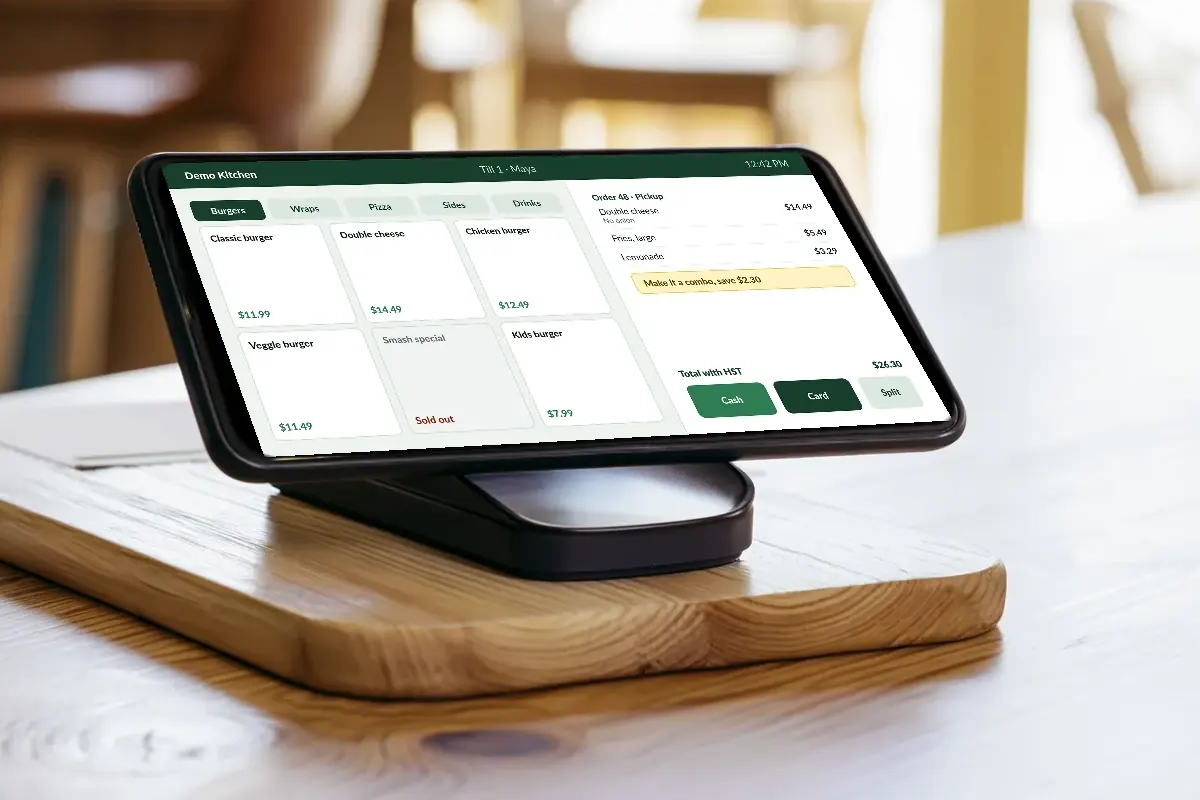
Tablet till on a stand at a cafe counter, next to a tap-to-pay card terminal
What you get

Built for kitchens that move fast

Every part works with the others, so there is one menu to keep up to date.

Half-and-half pizzasA real button, with each half on the kitchen ticket.
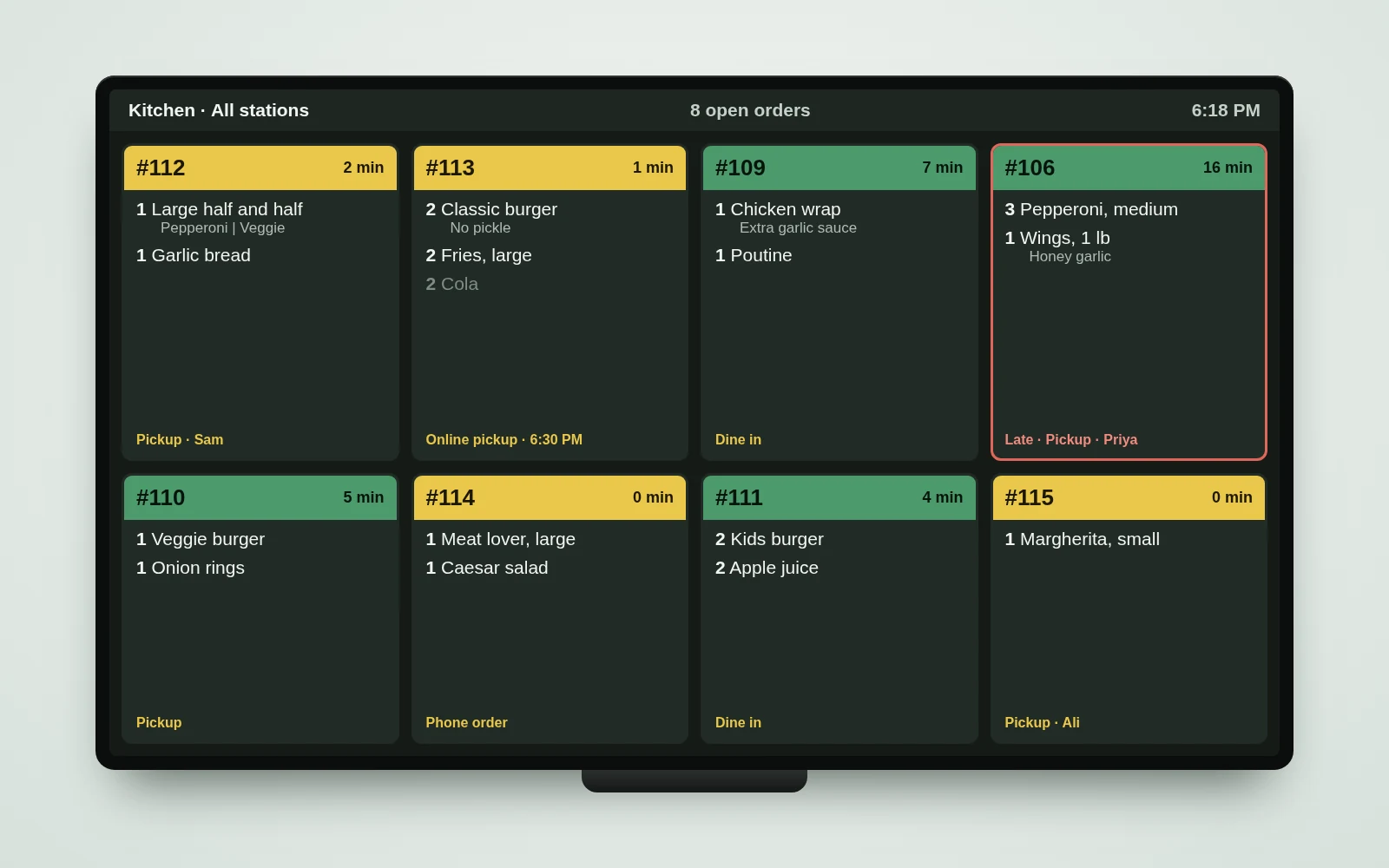
Kitchen screenOrders reach the kitchen the moment they are sent.
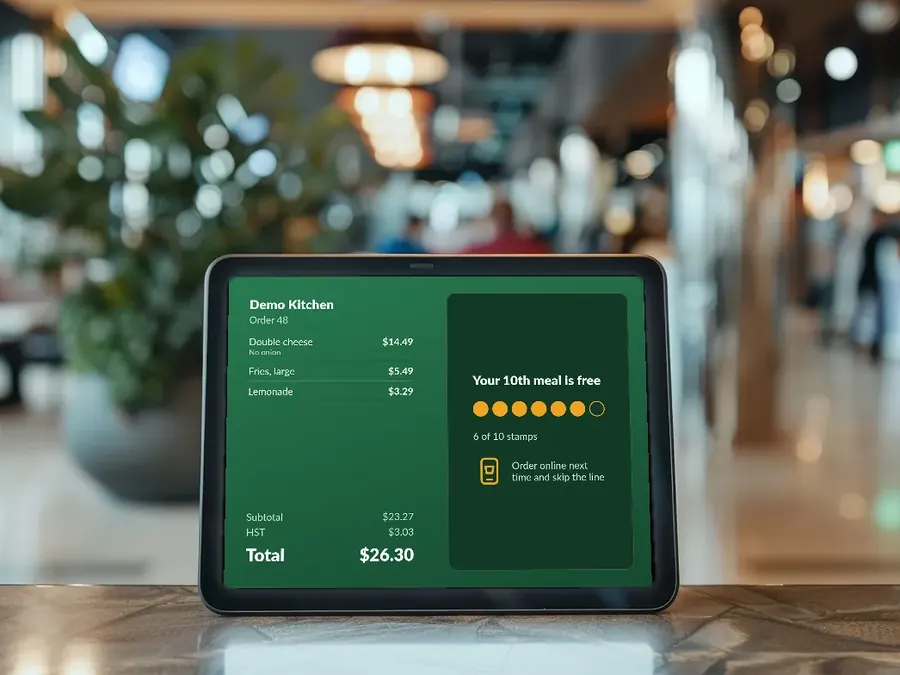
Customer displayCustomers watch the order and total with tax.
Bump barMove orders along without touching the screen.
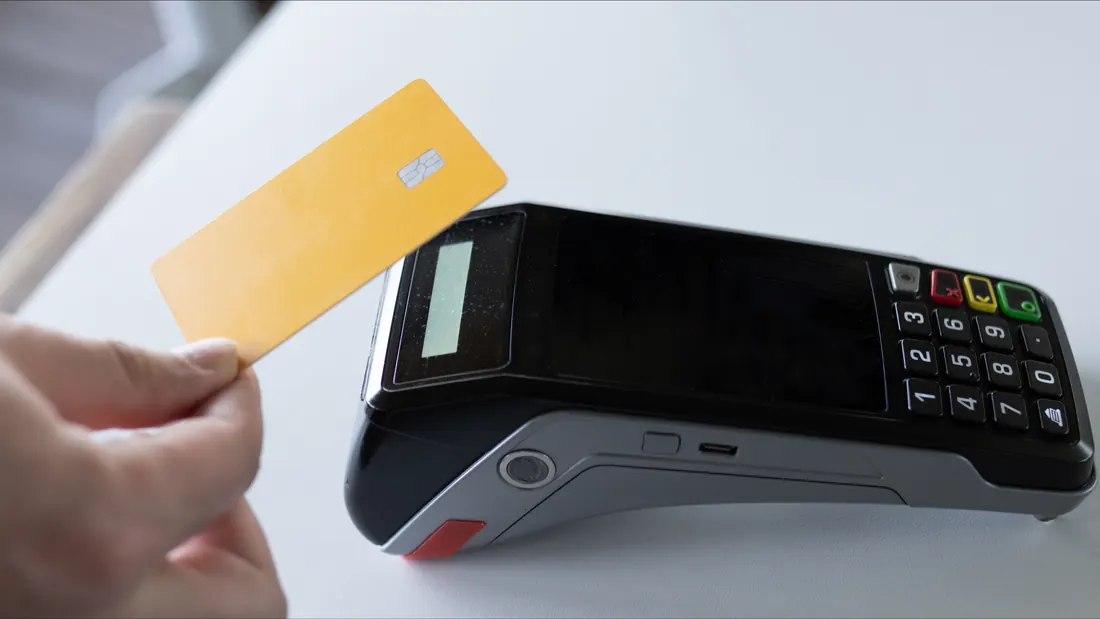
Card paymentsAmounts go to a Square Terminal. Nothing to retype.
Staff PINsClock in, and manager PINs for refunds and voids.
How an order travels

Order, kitchen, ready, report

  1. 1Order

    Rung in at the counter, or placed on your own order page.

  2. 2Kitchen

    On the kitchen screen at once, at the right station.

  3. 3Ready

    Bumped when done; the ready board shows the number and name.

  4. 4Report

    In your sales report, with close-day totals at night.

Kitchen screen on a wall TV: new orders in yellow, started in green, a late order outlined in red
The system

Four places it earns its keep

Each one has its own page with the detail.

Devices

Modern hardware, set up for you

Every device is locked to its job and joins your shop with a short code. See all devices.

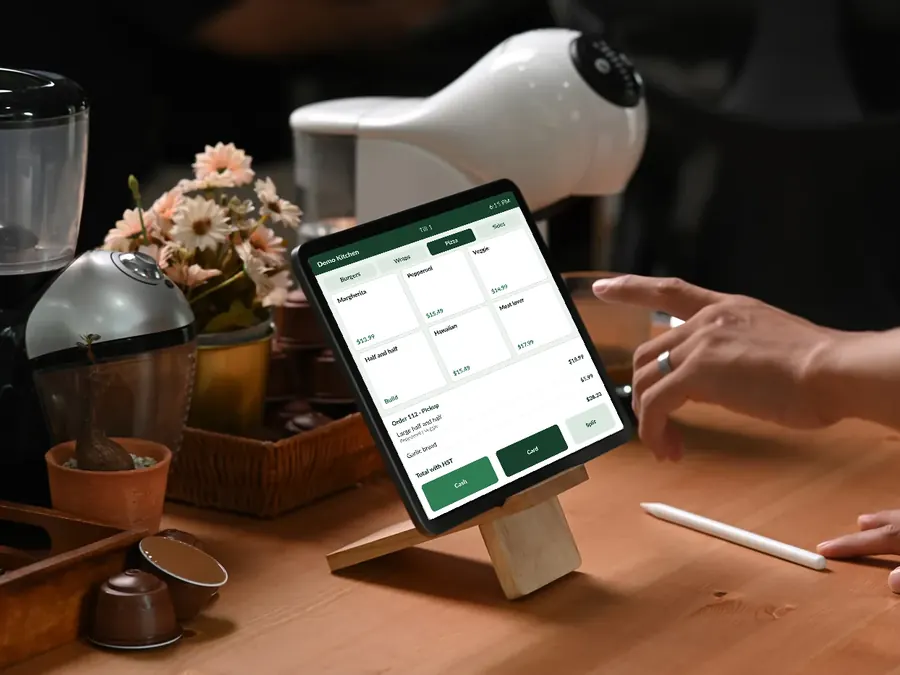
A tablet on the counter rings in an order

Counter tablet

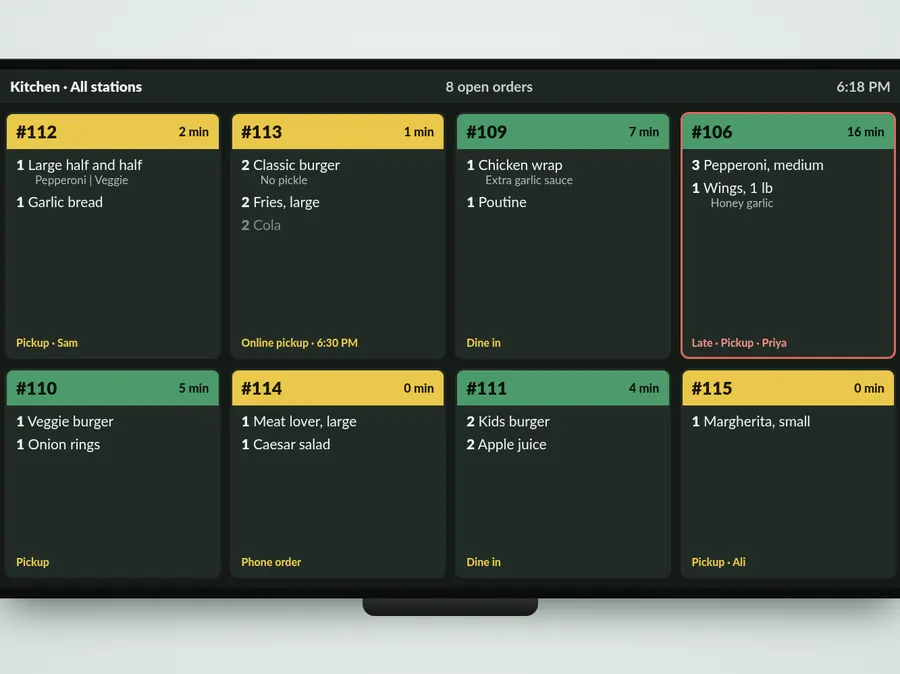
Kitchen screen on a wall TV with order tickets

Kitchen display

Customer display showing an order total and a rewards card

Customer display

A card being tapped on a payment terminal

Card terminal

See it working in your shop

Book a short demo. We show you the till, the kitchen screen and the customer display, then give you a clear quote.

Request a demo