Features

Everything a busy counter needs

The counter, kitchen, customer display, online orders, payments, staff and reports, all in one system.

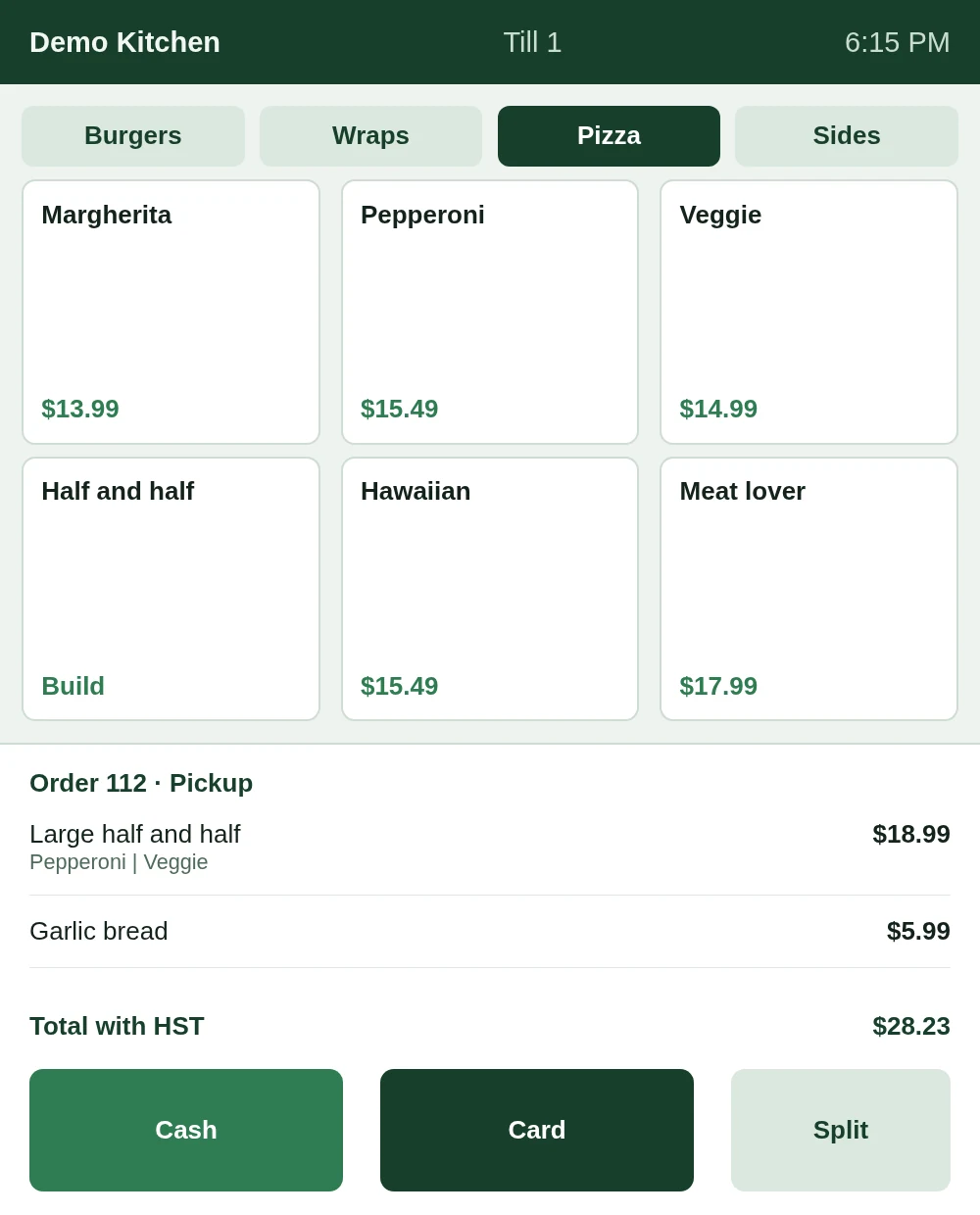
Till screen: pizza menu, large half-and-half pepperoni and veggie, total with HST, Cash, Card and Split

Sample screen from our demo kitchen (made-up menu)

Counter

A till that keeps up with the rush

Big buttons, few taps and clear totals.

  • Half-and-half pizzas

    Pick a topping for each half; the ticket and receipt show both.

  • Notes and extras on any item

    "No onion" travels from the till to the kitchen screen.

  • Sold-out switch

    One tap greys the item out on the till and on your order page.

  • Combos, hold and repeat

    Offer a combo, park an order, or repeat the last one.
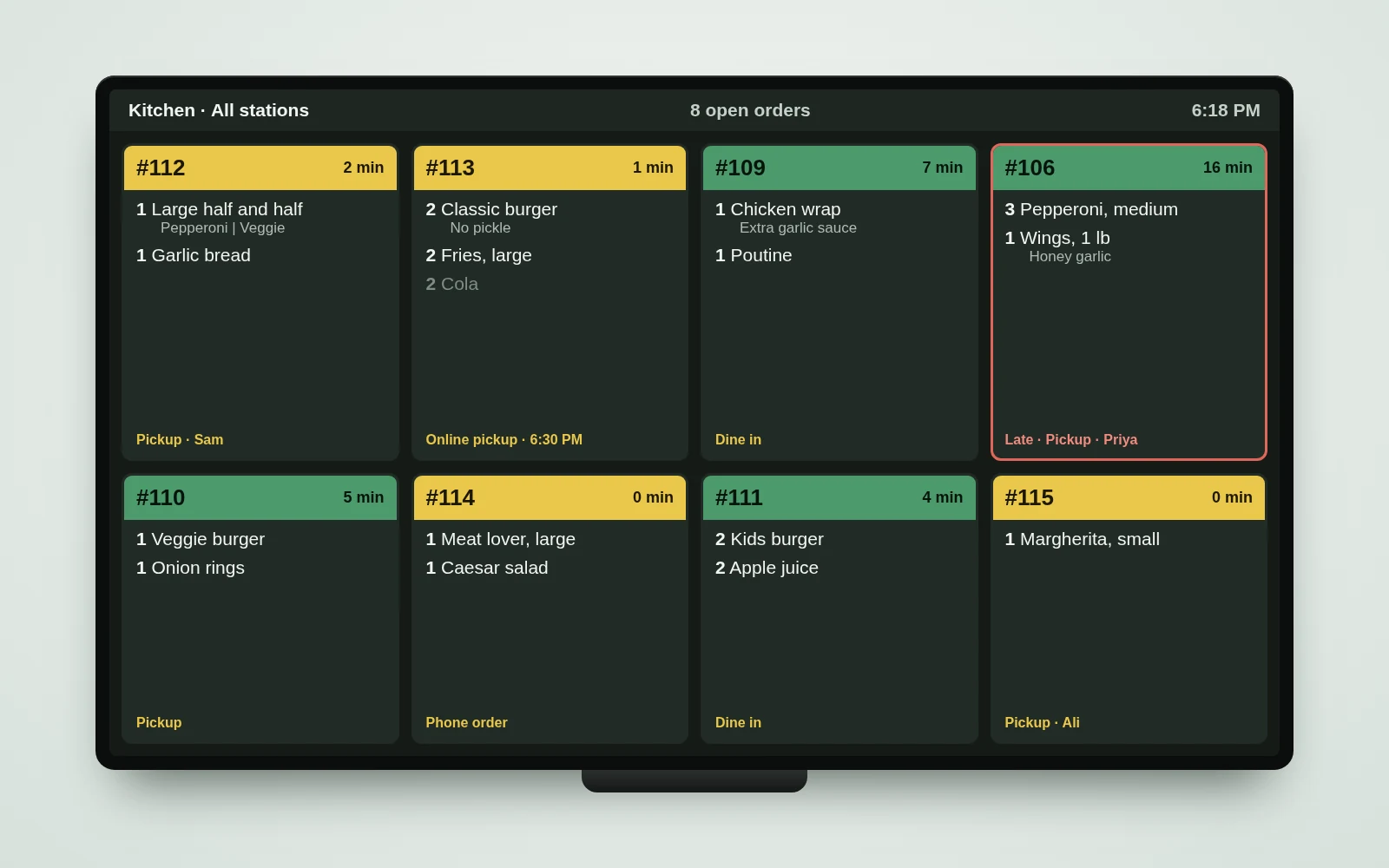
Kitchen screen on a wall TV with order tickets

Sample kitchen screen, made-up orders

Kitchen

Paper tickets, retired

Orders show up the moment they are sent.

  • Kitchen screen

    Tickets change colour as they wait, late ones get a red outline, and a short chime calls each new order.

  • Stations and bump bar

    Grill, fryer and drinks each see only their own items. A bump bar tablet moves orders along.

  • Order ready board

    A TV by the pickup counter shows Preparing and Ready with big numbers and first names.

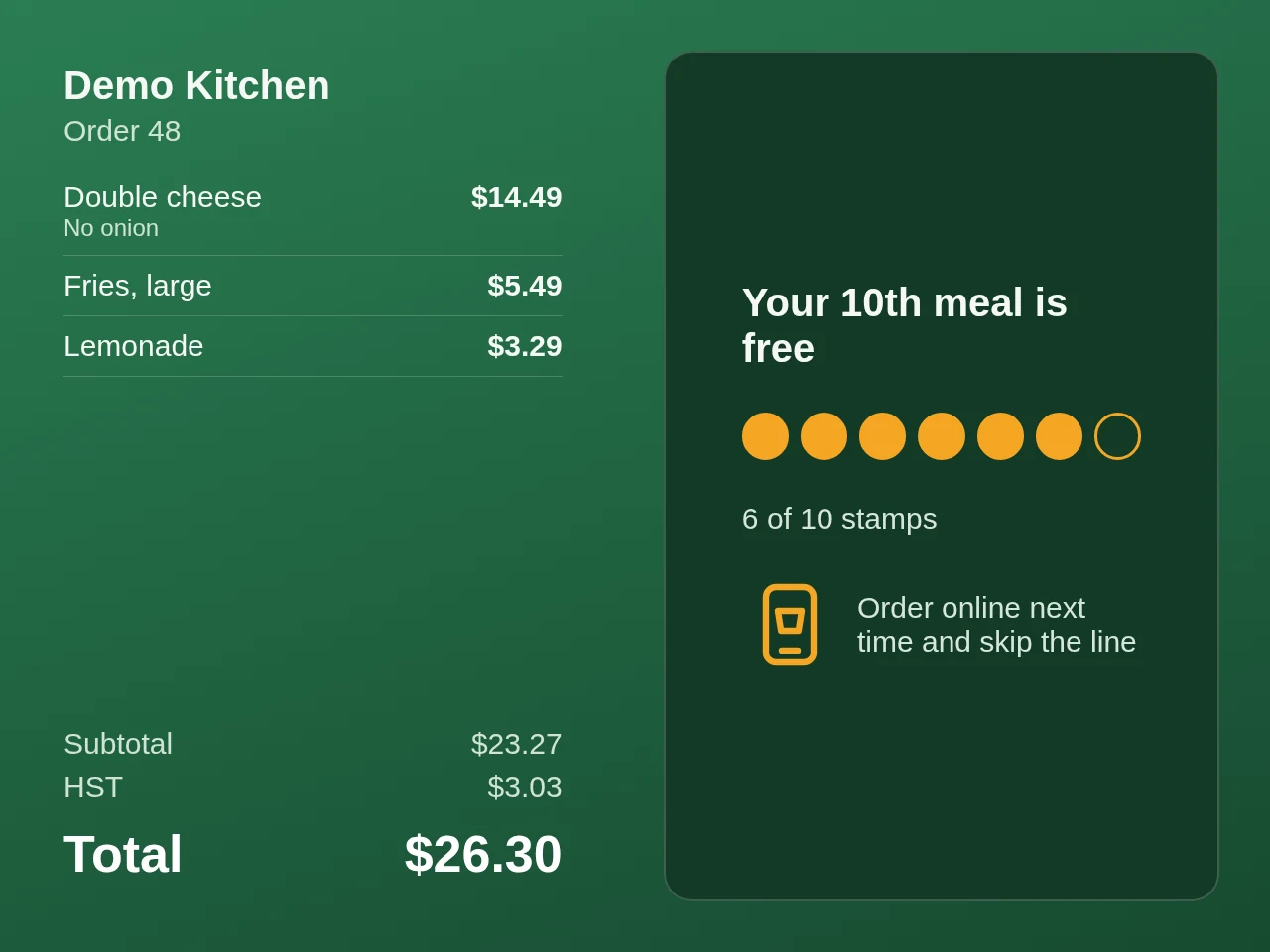
Customer display: itemised order and a card showing 6 of 10 stamps toward a free meal

Sample customer display, made-up order

Customer display

Customers see what they are paying

A small tablet faces the customer.

  • Order and total with tax

    Items appear as you ring them in, with HST and the total.

  • Rewards and specials

    Between orders it shows your specials and stamp-card progress.

  • Order-online prompt

    A reminder to skip the line next time.

Your shopLarge pizzaPick your halvesGarlic breadAddWingsChoose a sauceSmash specialSold outPay and send
Online ordering

Your own order page, same rules as the till

Customers order from their phone and the order lands in the kitchen like any other.

  • Your real menu and photos

    Half-and-half, extras and notes work the same as at the counter.

  • Right away or pick a time

    Customers choose when they want it.

  • Sold-out stays in step

    Switch an item off once and both the till and the page update.

  • Pay on the page

    Card, Apple Pay or Google Pay.

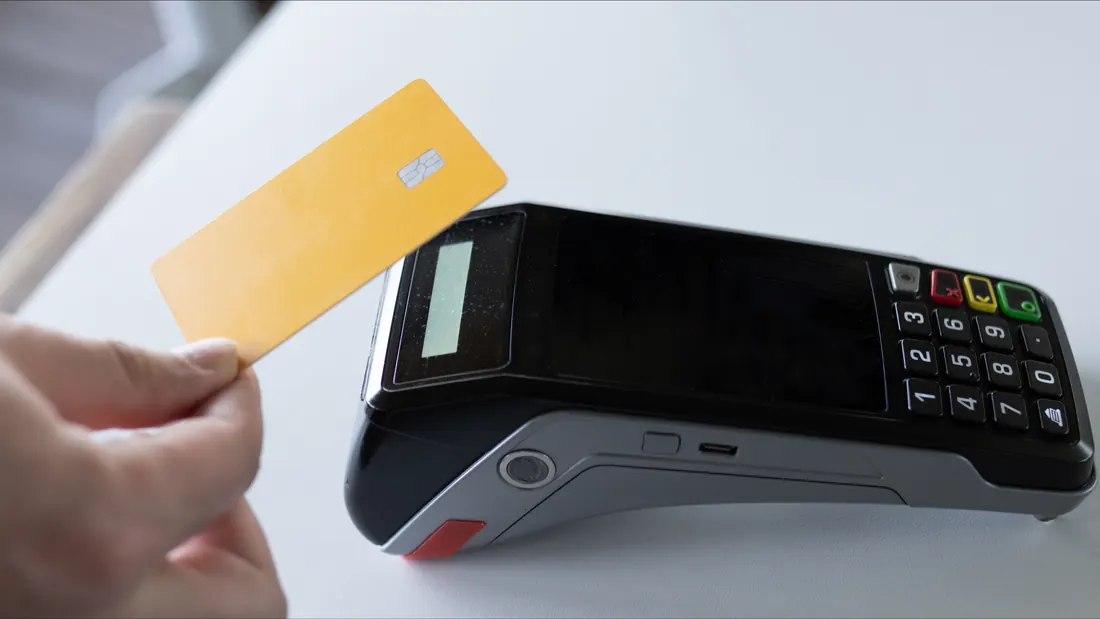
A card being tapped on a payment terminal
Payments

Cash, card, tips and split bills

The till sends the amount to the card terminal.

  • Square Terminal

    The amount and tip go to the terminal automatically, so nobody retypes a total.

  • Tips

    5, 10 or 20 percent, or a custom amount.

  • Split a bill

    Evenly, by item, or part cash and part card.

  • Receipts and cash drawer

    Receipts with your logo, kitchen tickets on paper if you want them, and a drawer that opens on cash sales.

1234567890
Staff and control

Everyone has a PIN, big changes need a manager

You see who is on shift and what happened, without standing at the till.

  • Clock in with a PIN

    Breaks, clock-out and time-off requests, with who is on shift right now.

  • Manager PIN for big changes

    Big discounts, voids and refunds need a manager PIN and a reason.

  • Everything logged

    Every price change and PIN entry is recorded; tablets lock when idle.

  • Training mode

    New staff practise on the real till; practice orders never count and never charge a card.

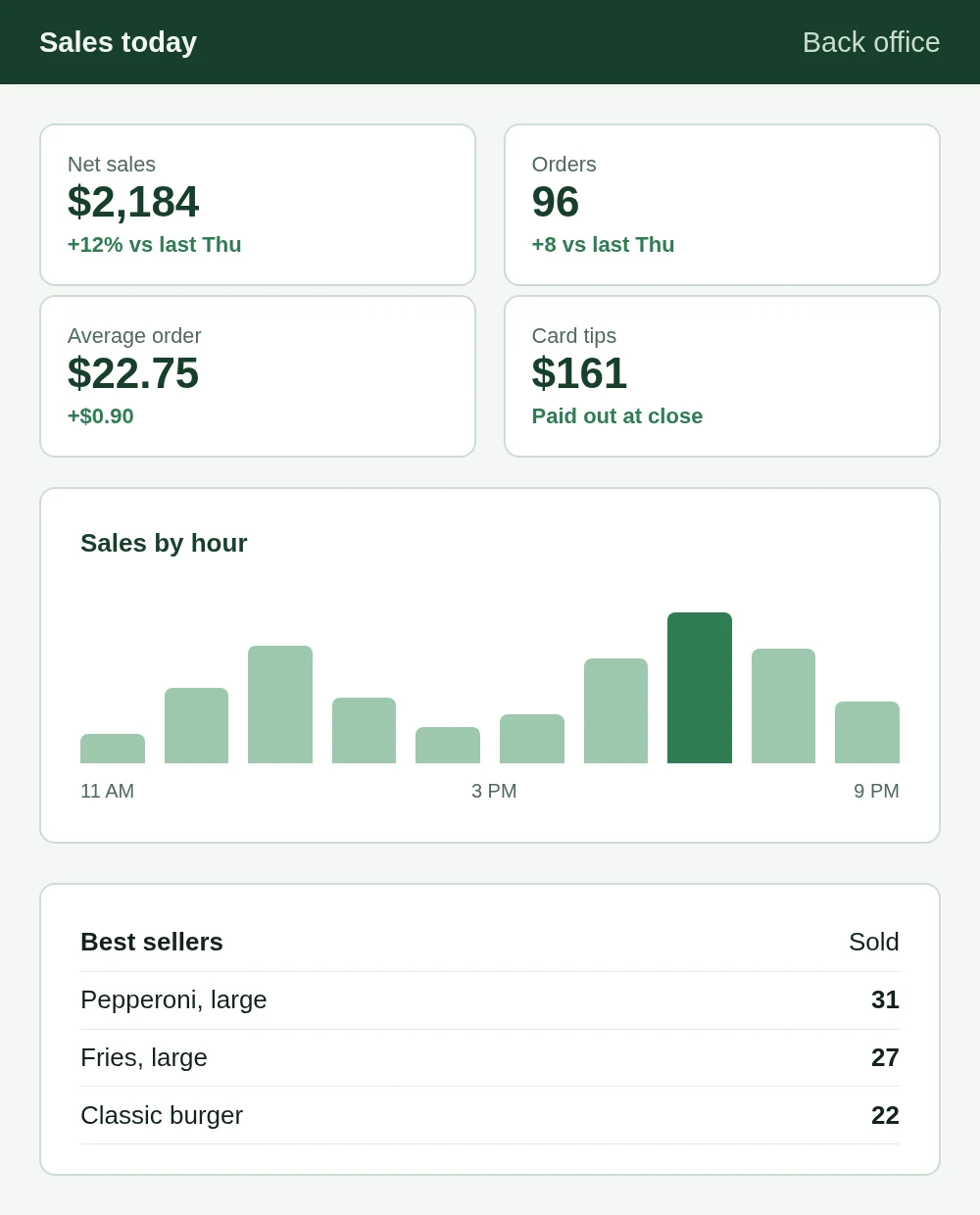
Sales today on a phone: net sales, orders, average order, card tips, sales by hour and best sellers

Sample report, made-up numbers

Reports

Know how today went

Open it on your phone or in the back office.

  • Today against last week

    Sales by hour, best and slowest items, by staff and by payment type.

  • Close day

    End-of-day totals with tax, tips and cash.

  • Stamp-card rewards

    Customers collect a stamp with each order; the 10th meal is free.

On the way

Coming soon

Everything above works today. These are being built and tested on our own copy first.

See it working in your shop

Book a short demo. We show you the till, the kitchen screen and the customer display, then give you a clear quote.

Request a demo